Dranetz PODEXTKIT Удлинительный кабель напряжения и тока POD
21.01.2025
Мэйдзи Техно POINTER/EM
21.01.2025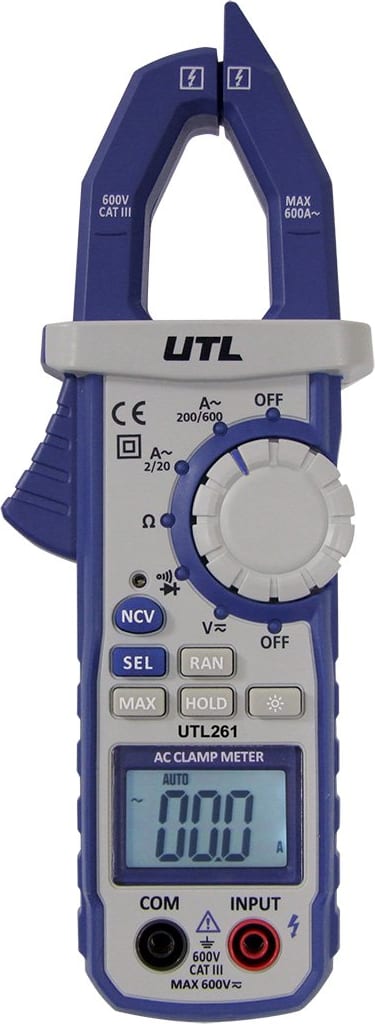
UEi UTL261 – CAT III Digital Clamp Meter (200 A AC)
Digital Clamp-On Meter
9225,00 ₽
Description UEi UTL261 – CAT III Digital Clamp Meter (200 A AC)
- Maximum AC current = 200 A
- Maximum DC current = N/A
- Maximum AC voltage = 600 V
- Maximum DC voltage = 600 V
- True RMS = No
Non-Contact Voltage Detection key, is used to detect power with a sensor located at the tip of the clamp head and indicates positive response with an audible alarm and visual LED indicator light just above the ‘NCV’ button. See reverse side for instructions.
Selection key, switches measurement functions that share a selector position. By pressing ‘SEL’ key to toggle between AC and DC Volts and Diode and Continuity.
Range key, press ‘RAN’ key, to toggle between Automatic Ranging and Manual Ranging. ‘Auto’ icon will show on the display. Press and hold ‘RAN’ to return to Auto Ranging.
Max selection key. Press to hold the maximum value on the display. Press again to return to live reading.
Hold key, press ‘HOLD’ key, the reading will be locked and ‘HOLD’ icon will display on display. Press ‘HOLD’ key again to release.
Backlight key: Press and hold ‘Backlight’ key for 2 seconds to turn on. Press and Hold again to turn off. The Worklight only turns on with the Backlight in AC Current mode.
Tests:
- AC Current
- AC/DC Voltage
- Resistance
- Continuity
- Diode Test
- Non-Contact Voltage
Похожие товары
-
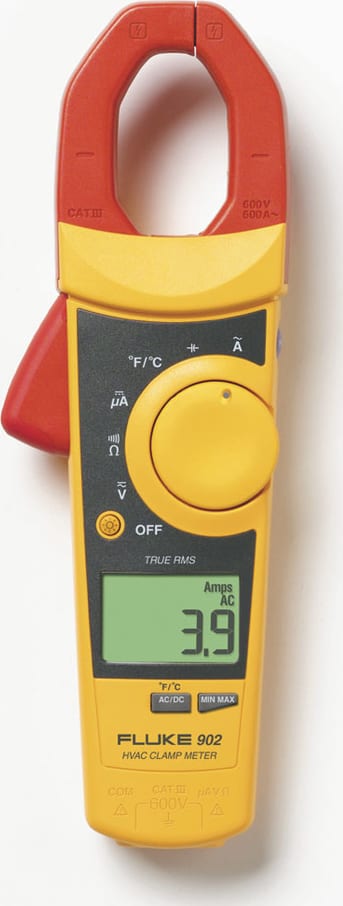
Fluke 902 True RMS токоизмерительные клещи для систем отопления, вентиляции и кондиционирования воздуха
0,00 ₽TRUE RMS HVAC CLAMP METER