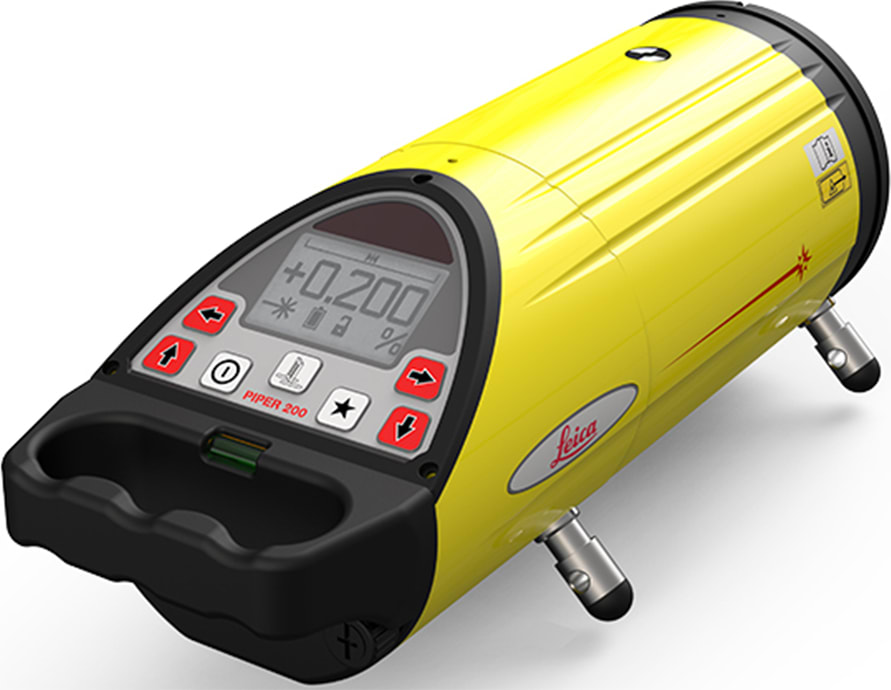
Leica Piper 100G/3R – 6016058 – Трубчатый лазер 100G/3R, с ИК-пультом дистанционного управления
21.01.2025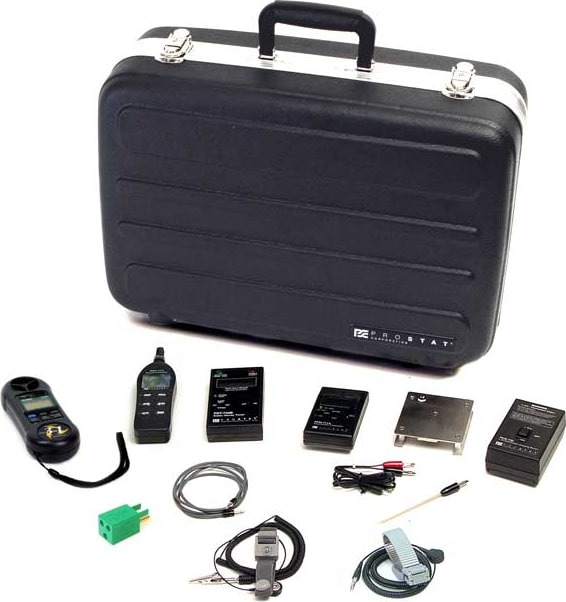
Prostat PIK-110 – Комплект ионизации
21.01.2025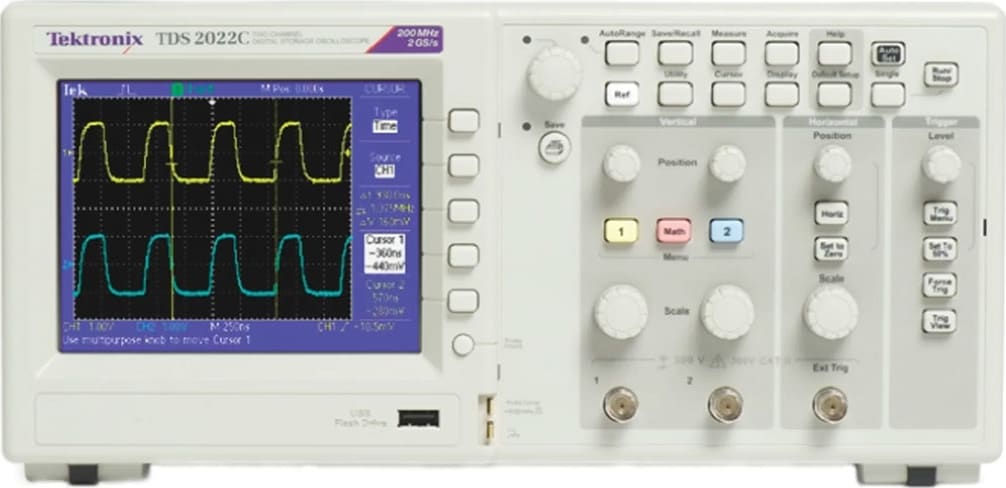
Tektronix TDS2022C – Digital Storage Oscilloscope (2 Channels, 200 MHz)
Oscilloscope, Digital Storage, 200MHz, 2GS/s, 2-CH, TFT Color Display, USB Ports certificate of traceable calibration standard
0,00 ₽
Description Tektronix TDS2022C – Digital Storage Oscilloscope (2 Channels, 200 MHz)
- Bandwidth: 200 MHz
- Channels: 2
- Sample Rate: 2 GS/s
- Memory: 2.5k points
The TDS2022C Digital Storage Oscilloscope Series provides you with affordable performance in a compact design. Packed with standard features – including USB connectivity, 16 automated measurements, limit testing, data logging, and context-sensitive help – the TDS2022C oscilloscopes help you get more done in less time.
Digital precision for accurate measurements
With 200 MHz bandwidth and 2 GS/s maximum sample rate, no other digital storage oscilloscope offers as much bandwidth and sample rate for the price. Tektronix proprietary sampling technology provides real-time sampling with a minimum of 10X oversampling on all channels, all the time to accurately capture your signals. Sampling performance is not reduced when using multiple channels.
Critical Tools for Troubleshooting your Device
Advanced triggers – rising/falling edge, pulse width, and video – help you quickly isolate your signals of interest. Once you’ve captured a signal, advanced math capabilities and automated measurements can speed your analysis. Quickly perform an FFT or add, subtract, or multiply waveforms. Sixteen automated measurements quickly and reliably calculate important signal characteristics such as frequency or rise time, while the built-in Limit Test function enables you to easily identify problems in your signal.
Quickly and easily capture waveforms with advanced triggering.
Designed to make your work easy
The TDS2022C oscilloscopes are designed with the ease of use and familiar operation you have come to expect from Tektronix.
Intuitive operation
The intuitive user interface with dedicated per-channel vertical controls, auto-setup, and auto-ranging makes these instruments easy to use, reducing learning time and increasing efficiency.
Help when you need it
The built-in Help menu provides you with important information on your oscilloscope’s features and functions. Help is provided in the same languages as the user interface.
See all the details other oscilloscopes might miss with Tektronix proprietary digital real time sampling.
Quickly perform an FFT with the advanced math functions.
The context-sensitive Help system provides important information specific to the task you are working on.
Probe check wizard
Check out your probe compensation before making measurements with just one button that starts a fast, easy procedure.
Limit Test
The oscilloscope can automatically monitor source signals and output Pass or Fail results by judging whether the input waveform is within predefined boundaries. Specific actions can be triggered on violation including stopping waveform acquisition, stopping Limit Test functions, saving the failed waveform data or screen image to a USB memory device, or any combination of the above. This is an ideal solution for manufacturing or service applications where you need to make decisions quickly.
Limit Test provides a quick Pass/Fail comparison of any triggered input signal to a user defined template.
Flexible data transfer
The USB host port on the front panel enables you to save your instrument settings, screenshots, and waveform data in a flash. The built-in Data Logging feature means you can set up your oscilloscope to save user specified triggered wave forms to a USB memory device for up to 24 hours.You can also select the ‘infinite’ option for continuous wave form monitoring. With this mode you can save your triggered wave forms to an external USB memory device without a duration limitation until the memory device is full. The oscilloscope will then guide you to insert another USB memory device to continue saving wave forms.
Data Logging enables automatic saving of triggered wave forms.
Conveniently use your USB flash drive to store screenshots and waveform data.
Easy PC connectivity
Easily capture, save, and analyze measurement results by connecting to your PC with the rear-panel USB device port and the included copy of Open Choice PC Communications Software. Simply pull screen images and wave form data into the stand-alone desktop application or directly into Microsoft Word and Excel. Alternatively, if you prefer not to use your PC,you can simply print your image directly to any Pict Bridge-compatible printer.